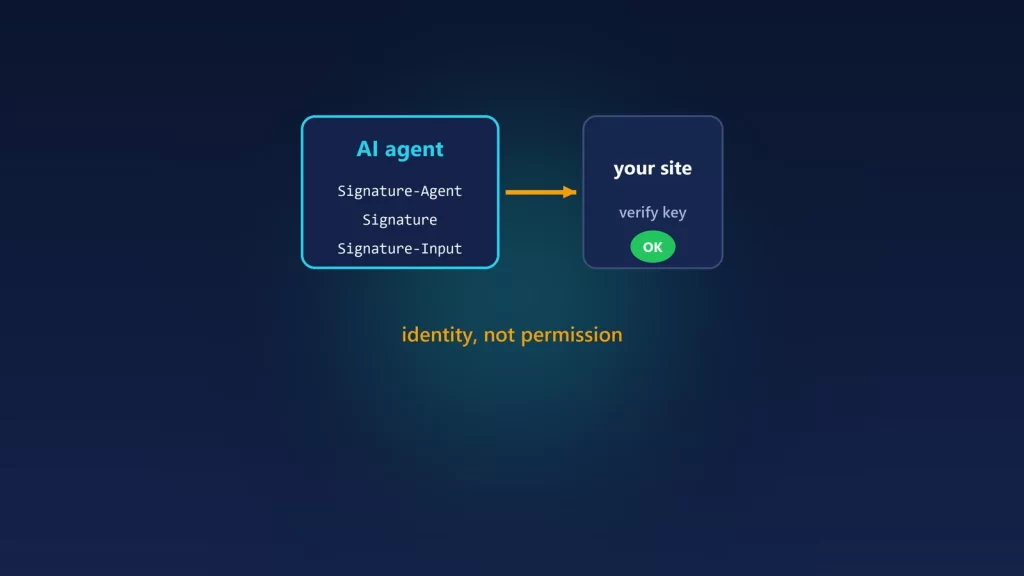
Web Bot Auth lets an AI agent or crawler prove who operates it by cryptographically signing its HTTP requests, instead of relying on a user-agent string that anyone can copy. For a site owner, it answers one question reliably: is this request really from the company it claims to be from? It doesn’t answer whether you should let the request in. It’s still an IETF draft. Google is testing it with its Google-Agent, signing only some requests, and Cloudflare already verifies signatures for bots in its program. If your site is behind a CDN or WAF that supports it, verification may already be happening for you. Here’s how it works, how to verify Google’s signed agent yourself, and what not to change.
How it works
The mechanism builds on HTTP Message Signatures, the IETF standard RFC 9421. The bot operator publishes its public keys at a well-known address. Each request then carries three headers:
Signature-Agentsays who is signing, with a URL that points to the operator’s key directory.Signature-Inputlists which parts of the request were signed, the key used, and when the signature expires.Signaturecarries the signature itself.
Your server, or your CDN, fetches the operator’s public keys and checks the signature. If it’s valid, the request really comes from someone holding that operator’s private key. A copied user-agent string can’t fake that. The work is split into two drafts at the IETF working group behind it: one for the signing protocol and one for the key directory. Both are still drafts and can change.
Who signs requests today
- Google, experimentally. Google’s guide to the protocol, updated October 13, 2026, says Google is “testing the protocol with some AI agents hosted on Google infrastructure.” Those requests use the identity
https://agent.bot.goog. Google is explicit that “Not all Google user agents are using Web Bot Auth,” and that it isn’t yet signing every request of the agents that do. - Bots in Cloudflare’s program. Cloudflare’s documentation describes the protocol as a verification method for its verified bots and agents. Operators generate a key, host a key directory, register with Cloudflare, then sign their requests.
The agent Google is signing for is Google-Agent, which Google’s list of user-triggered fetchers describes as used by agents on Google infrastructure “to navigate the web and perform actions upon user request.” That matters for your robots.txt expectations. Google says user-triggered fetchers “generally ignore robots.txt rules,” because a person asked for the fetch.
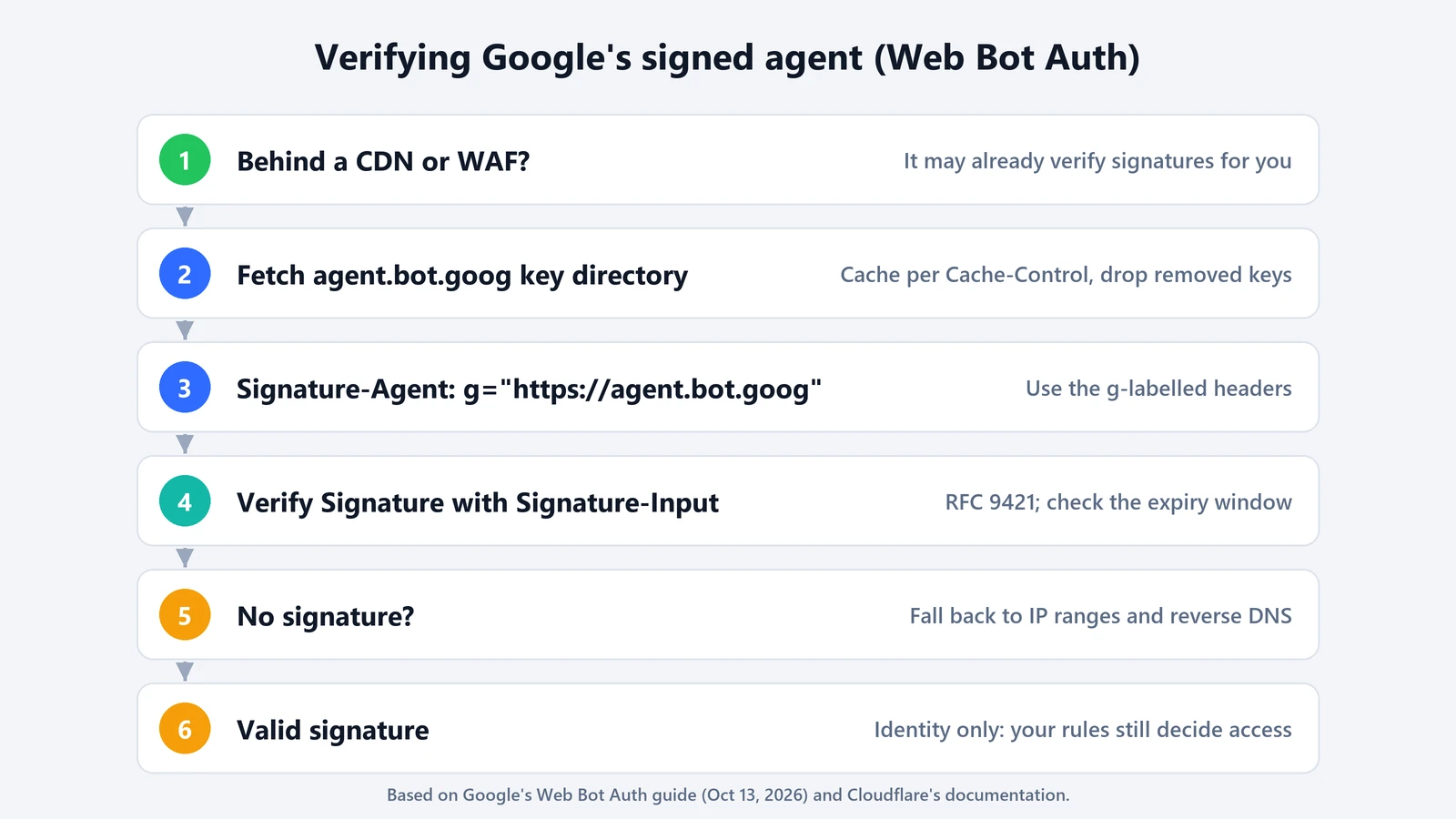
If your site is behind a CDN or WAF
Google’s advice is to check with your provider first, since it says major bot-detection services, CDNs and WAFs already support it, and if yours does, it likely verifies Google’s signed requests automatically. On Cloudflare, signature checks feed the verified-bot result your rules can use. Cloudflare says that if verification is turned off for a zone, verified bots “fall back to other methods (such as reverse DNS validation).”
In practice, you rarely need to write verification code. What you do need is to decide what verified agents may do. Cloudflare and similar services let you write rules that treat verified bots differently from everything else: allow, rate-limit, challenge or block.
Verifying Google’s agent yourself
If you handle bot traffic in your own code, Google lists the steps:
- Fetch the public key set from
https://agent.bot.goog/.well-known/http-message-signatures-directory. Cache it as itsCache-Controlheader says, and drop old keys that disappear from the file, since they may have expired or been revoked. - Look for the
Signature-Agentheader with the valueg="https://agent.bot.goog". Note theg=label. - Verify the
Signatureheader againstSignature-Input, following RFC 9421, using the entries labeledg. - Fall back to IP-based verification, because not every request is signed. Google-Agent’s IP ranges are published in Google’s
user-triggered-agents.json.
Two of Google’s details are easy to miss. First, a signature’s expiry window and the key file’s cache lifetime are different, and you must check both. Second, for latency-sensitive pages you can answer first and verify within the expiry window, then apply the result to the caller’s next requests.
What signatures don’t do
- It isn’t permission. A valid signature tells you who sent the request, not whether you want it. Your access rules, rate limits and terms still decide that.
- It doesn’t replace existing checks yet. Google recommends you “continue relying on IP addresses, reverse DNS, and user-agent strings” during the rollout. If you deny every unsigned request claiming to be Google-Agent, you’ll block legitimate ones.
- It isn’t robots.txt. Signed or not, user-triggered fetchers generally don’t follow robots.txt, as Google notes. Use your server or CDN rules if you need to restrict them.
- Unsigned isn’t always bad. Many legitimate bots don’t sign their requests yet. A signature tells you more about the request that carries it, and a missing one tells you nothing either way.
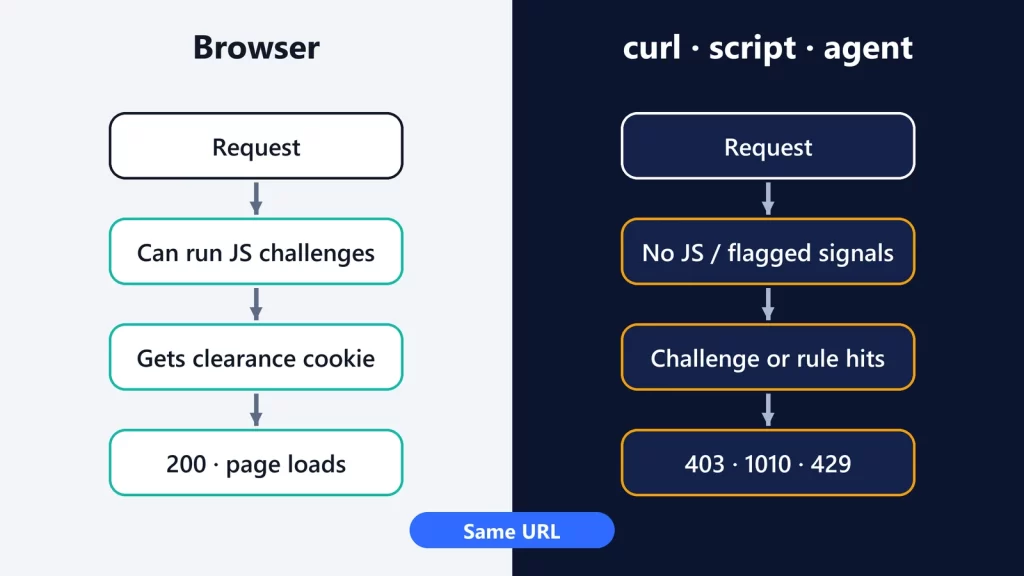
If you’re on the other side, running an agent that keeps getting blocked, signing your requests is one of the legitimate ways to be recognized. Disguising the client is not. We covered that side, including a case on this site, in why a site works in your browser but returns 403 to scripts and agents. For the broader shift in how agents use websites, see our explainer on WebMCP.