When an AI coding agent runs commands on your machine, what it can reach matters more than how smart the model is. A strong model with your full user permissions can read your home directory, use your Git credentials and reach any network you can. A weaker model inside a tight sandbox can only touch what the sandbox allows. GitHub made that boundary generally available for Copilot on October 7, and its announcement states the principle directly: “Model execution and tool isolation are separate concerns. Sandbox policies apply to tool execution regardless of which model Copilot uses.”
Three different decisions
An agent run involves three layers, and each one is a separate control:
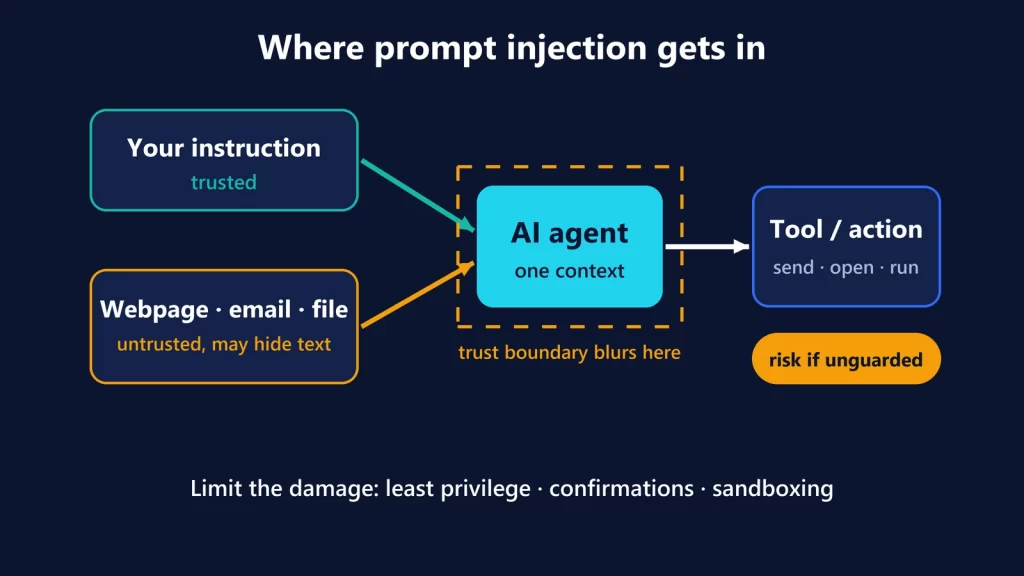
- The model decision. The model reads your request and your code, then proposes the next step, such as “run the tests” or “edit this file.” Model quality affects how good those proposals are. It can’t guarantee that a proposal is safe, especially if the model has read injected instructions in a README, an issue or a dependency.
- Tool execution. The agent turns the proposal into a real action: a shell command, a file write, a call to an MCP server. Approval prompts live here.
- System permission. The operating system decides what that action can actually reach: which files, which networks, which credentials. This is where a sandbox works.
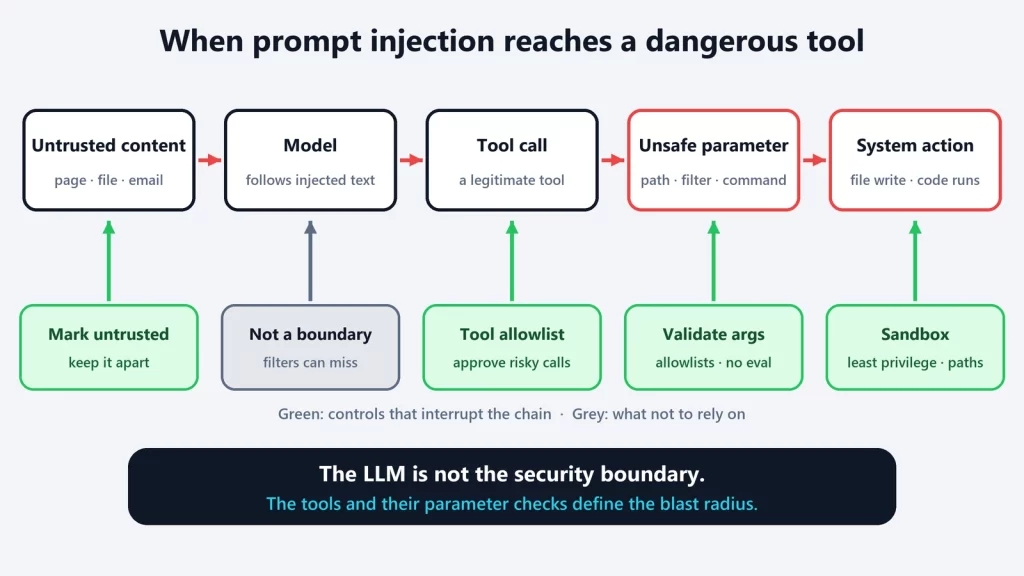
Better models improve the first layer. Sandboxes constrain the third. The worst outcomes happen when a bad proposal from the first layer meets unlimited reach in the third. We saw that in the Semantic Kernel vulnerabilities, where Microsoft concluded that “the tools you expose define your attacker’s affected scope.”
The default is no boundary at all
GitHub’s sandbox documentation is blunt about what happens without it. Local sandboxing is turned off by default, and until you enable it, the commands Copilot runs “execute directly on your machine with the same access as your user account: they can read, write, and delete wherever you can, reach any network your machine can reach, and use your credentials without restriction.”
That’s the normal state of most coding agents on a developer’s laptop, not a Copilot quirk. It’s worth picturing concretely.
One task, two blast radii
Say you ask the agent to fix a failing build in a project folder.
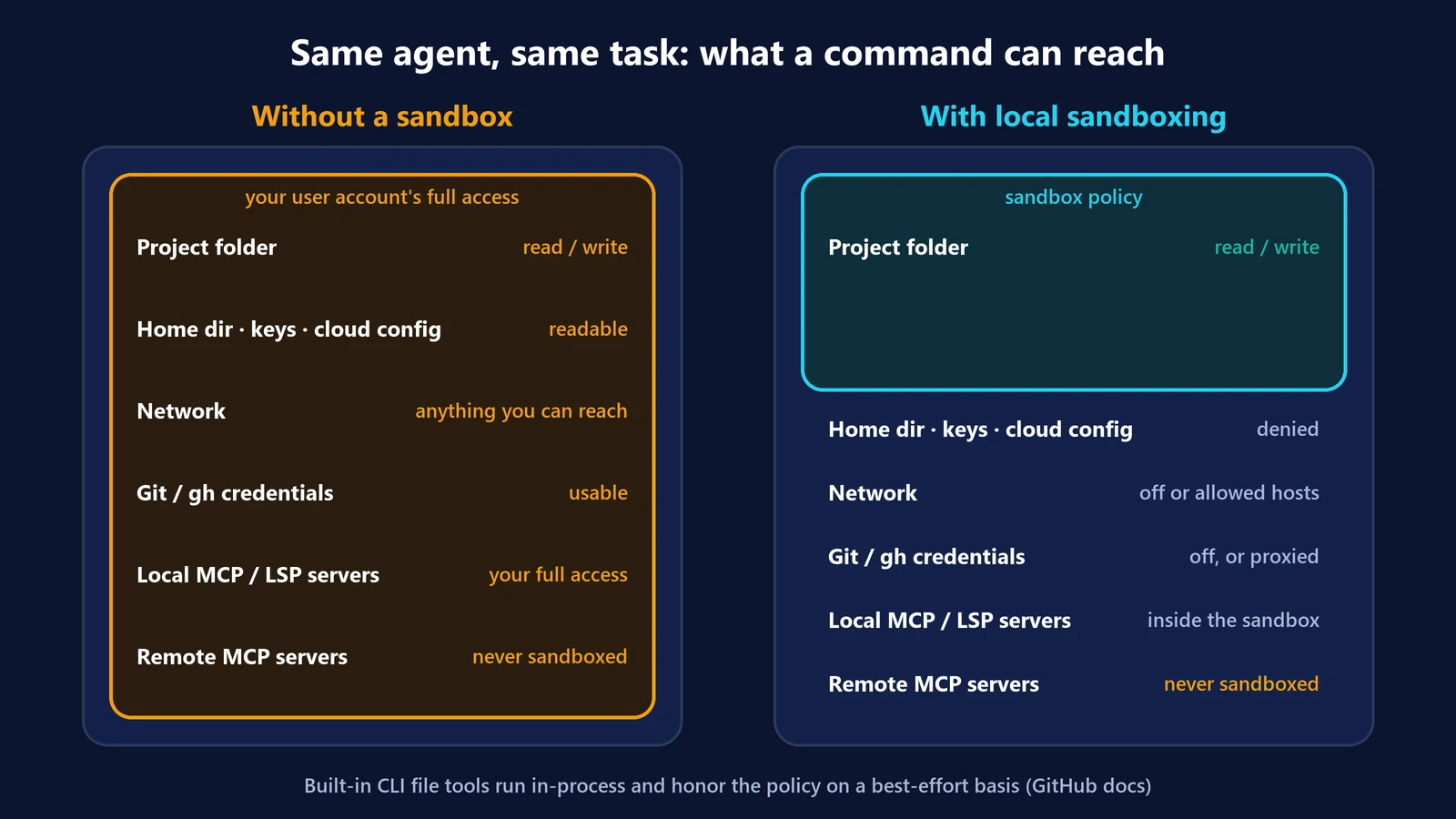
Without a sandbox
Every command the agent runs inherits your account. It can reach:
- the project, plus your whole home directory: SSH keys, cloud CLI configuration, browser profiles, other repositories;
- your Git and GitHub CLI credentials, so it could push to any repository you can push to;
- the internet and your local network, including internal services;
- any local MCP server or language server it starts, with the same rights.
If the model is steered by a malicious instruction, or simply makes a destructive mistake, all of that is in range.
With a local sandbox
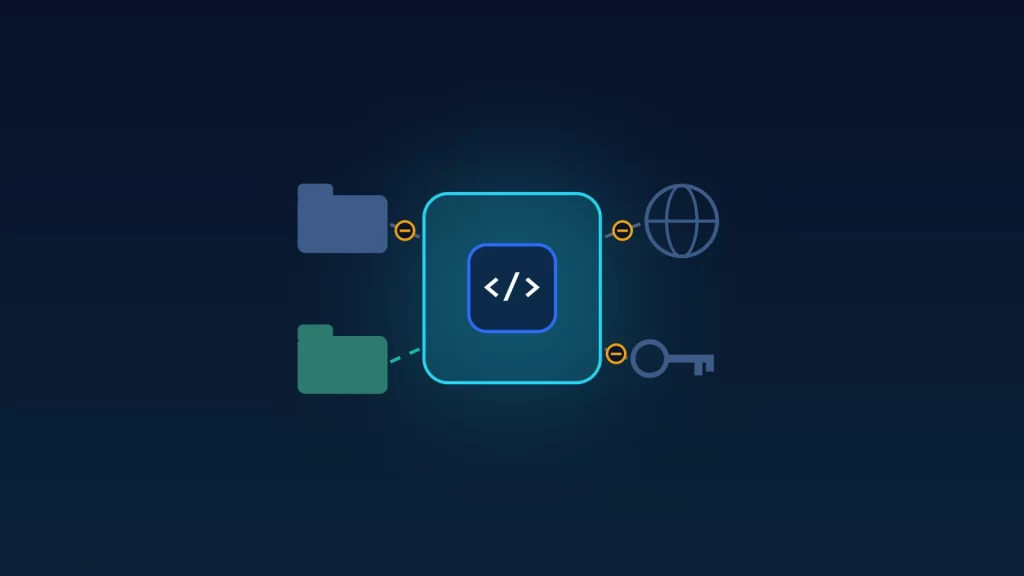
The same task runs under a policy:
- read and write access to the project folder, with other paths read-only or denied;
- outbound network limited, or restricted to specific hosts such as your package registry;
- Git and GitHub credentials available only if you enable them. GitHub says sandboxed tools then “receive placeholders, and a local proxy supplies the real credentials only to approved HTTPS destinations”;
- local MCP and language servers running inside the same boundary, by default.
The model might be the same in both cases. What a mistake or an injection can damage is very different.
What GitHub’s local sandbox actually controls
The GA announcement covers Copilot CLI, the GitHub Copilot app and VS Code sessions using Agent Host. In Copilot CLI, you turn it on with /sandbox enable, and it stays on in future sessions. The controls in the CLI:
- Filesystem: read-only or read/write access to specific paths, or denied paths.
- Network: outbound internet and local network access, plus allowed or denied hosts. What’s available depends on the operating system.
- Credentials: Git and
ghauthentication on or off, and masking of other environment variables. - Subprocesses: whether local MCP and language servers also run inside the sandbox.
- Per-command exceptions: allowing or preventing specific commands from running outside the sandbox.
Enterprises can require sandboxing through managed settings that developers can’t weaken. The Copilot app exposes a subset of these controls in project settings. Local sandboxing costs nothing extra. The separate cloud sandbox, which runs the whole session in a GitHub-hosted Linux environment, is billed by usage and is still in preview.
Built on Microsoft eXecution Container
The isolation comes from Microsoft eXecution Container (MXC), an open-source project for “running untrusted code (model output, plugins, and tools).” Copilot declares a policy, and MXC enforces it with each operating system’s own mechanism: Seatbelt on macOS, bubblewrap on Linux, and a process container on Windows 11. That’s why requirements differ: macOS 15 or later is the tested baseline, Linux needs bubblewrap 0.5.0 or later, and Windows needs a recent Windows 11 update. When the host can’t enforce a requested feature, GitHub says Copilot CLI reports the requirement “instead of running the command with weaker restrictions.”
What a sandbox doesn’t do
GitHub’s documentation is unusually candid about the limits, and they’re the part worth reading twice:
- It’s lightweight isolation. Local sandboxing “sits at the lighter-weight end” of the isolation spectrum: it restricts what processes can read, write and reach, “but it does not run your commands inside a separate virtual machine or container.”
- The CLI itself isn’t sandboxed. Copilot’s built-in file tools run inside the CLI process, so the operating-system sandbox “never sees” those operations. They check the policy themselves, “on a best-effort basis.”
- Remote MCP servers are never sandboxed. The sandbox constrains local processes. What a remote server does with the data you send it is outside its reach, which is the trust problem we described in MCP vs APIs vs computer use.
- Network rules are weaker on Windows. On macOS and Linux, programs can’t bypass the proxy. On Windows, “the sandbox relies on programs honoring the proxy settings,” so host rules don’t block direct connections in the same way.
- Bypass is possible unless policy forbids it. If the effective policy permits it, you can disable sandboxing for the rest of a session from a prompt.
- It doesn’t judge intent. A sandboxed agent can still delete files inside the folder it’s allowed to write to, or send data to a host you allowed. The sandbox limits the blast radius; it doesn’t make the agent right.
A practical policy for coding agents
- Turn sandboxing on before you give an agent autonomy, whatever the model.
- Grant write access to the project only. Deny the folders that hold keys and cloud configuration.
- Start with network off, then allow only the hosts a task needs, such as your package registry.
- Keep credentials off unless the task must push or call GitHub, and review what it pushes.
- Keep local MCP servers inside the sandbox, and treat remote ones as a separate trust decision.
- Keep approvals for anything irreversible, inside or outside the sandbox.
Choosing a model is a decision about the quality of the proposals. Choosing a sandbox is a decision about the worst case. For an agent that runs commands on your computer, the second one sets your risk. That holds even for a model running locally, as we explained in what using a local model in Copilot actually changes.
GitHub changelog and documentation, and the MXC repository, checked on October 9, 2026.